---
metadata:
  - name: generator
    content: Diplodoc Platform v5.63.0
alternate:
  - en/dashboard/insights
  - ru/dashboard/insights
  - href: en/dashboard/insights.md
    type: text/markdown
    title: Markdown version
csp:
  - script-src:
      - https://mc.yandex.ru
    img-src:
      - https://mc.yandex.ru
    connect-src:
      - https://mc.yandex.ru
      - wss://mc.yandex.ru
    child-src:
      - 'blob:'
      - https://mc.yandex.ru
    frame-src:
      - 'blob:'
      - https://mc.yandex.ru
    frame-ancestors:
      - 'blob:'
      - https://mc.yandex.ru
canonical: en/dashboard/insights.html
title: Neuroanalyst on your dashboard in DataLens On-premises
description: >-
  In this article, you will learn about Neuroanalyst on your dashboard in
  DataLens On-premises and how to use it.
vcsPath: en/dashboard/insights.md
---

# Neuroanalyst on your dashboard in DataLens On-premises


Neuroanalyst analyzes your dashboard charts, generates findings based on their data, and allows you to ask follow-up questions. It also considers the following for context:
* [Dashboard information](../operations/dashboard/add-description.md).
* Dashboard chart header.
* [Chart information](../operations/chart/add-description.md).
* Dashboard chart [description and tooltip](../operations/dashboard/add-chart.md) (other than tables).

You can use Neuroanalyst on your dashboard for a dashboard tab or individual charts on the dashboard. To use Neuroanalyst on your dashboard:

{% list tabs %}

- For a dashboard tab

  1. Click **Neuroanalyst** at the top of the dashboard to open the **Neuroanalyst** tab on the right.

     {% cut "Neuroanalyst for a dashboard tab" %}
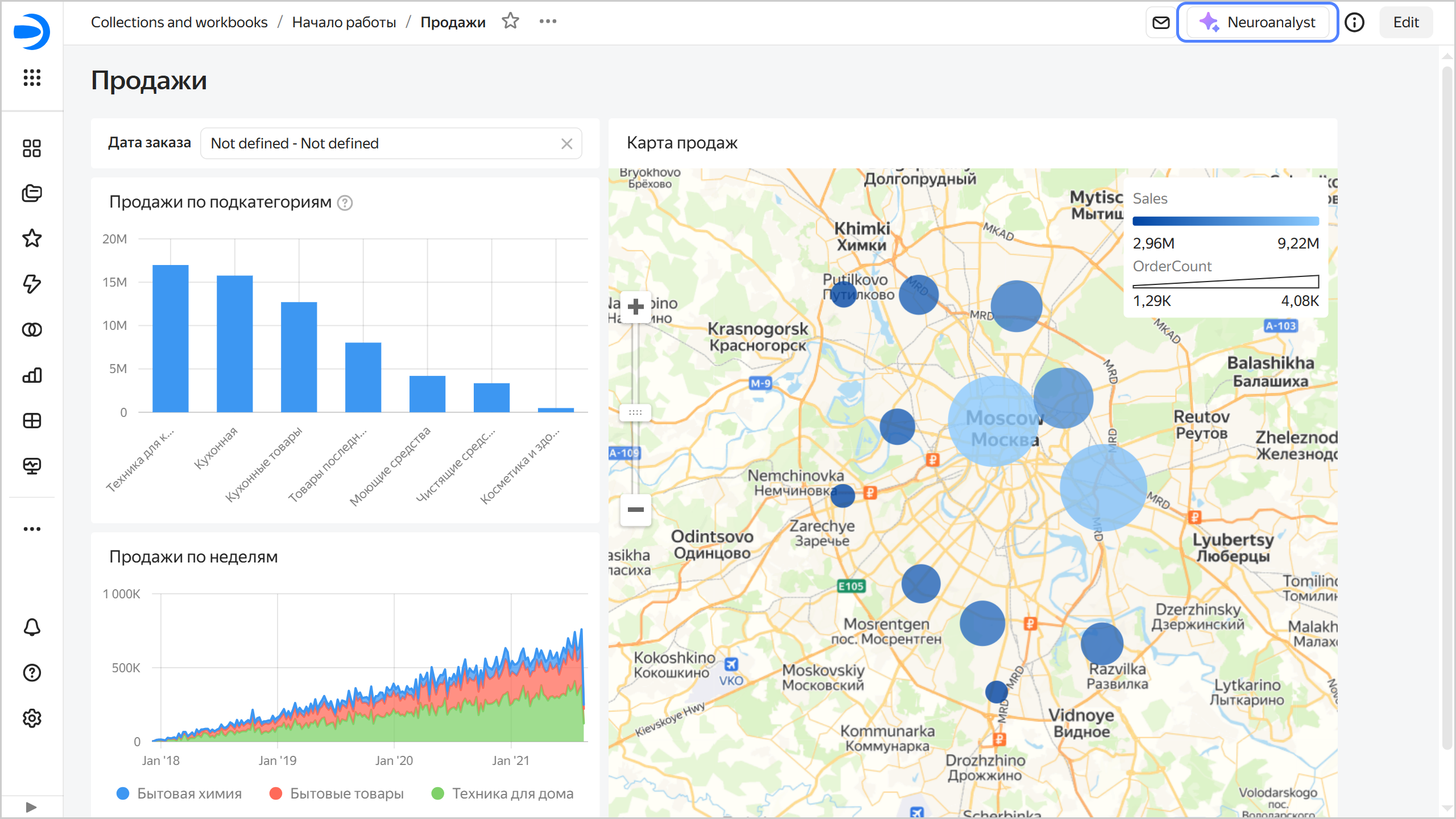
     ![image](../_assets/datalens/ai/ai-analytic-on-dashboard.png)

     {% endcut %}

  1. Select a question or ask your own one, e.g., "What promotion should I run?".

     {% cut "Question to Neuroanalyst" %}
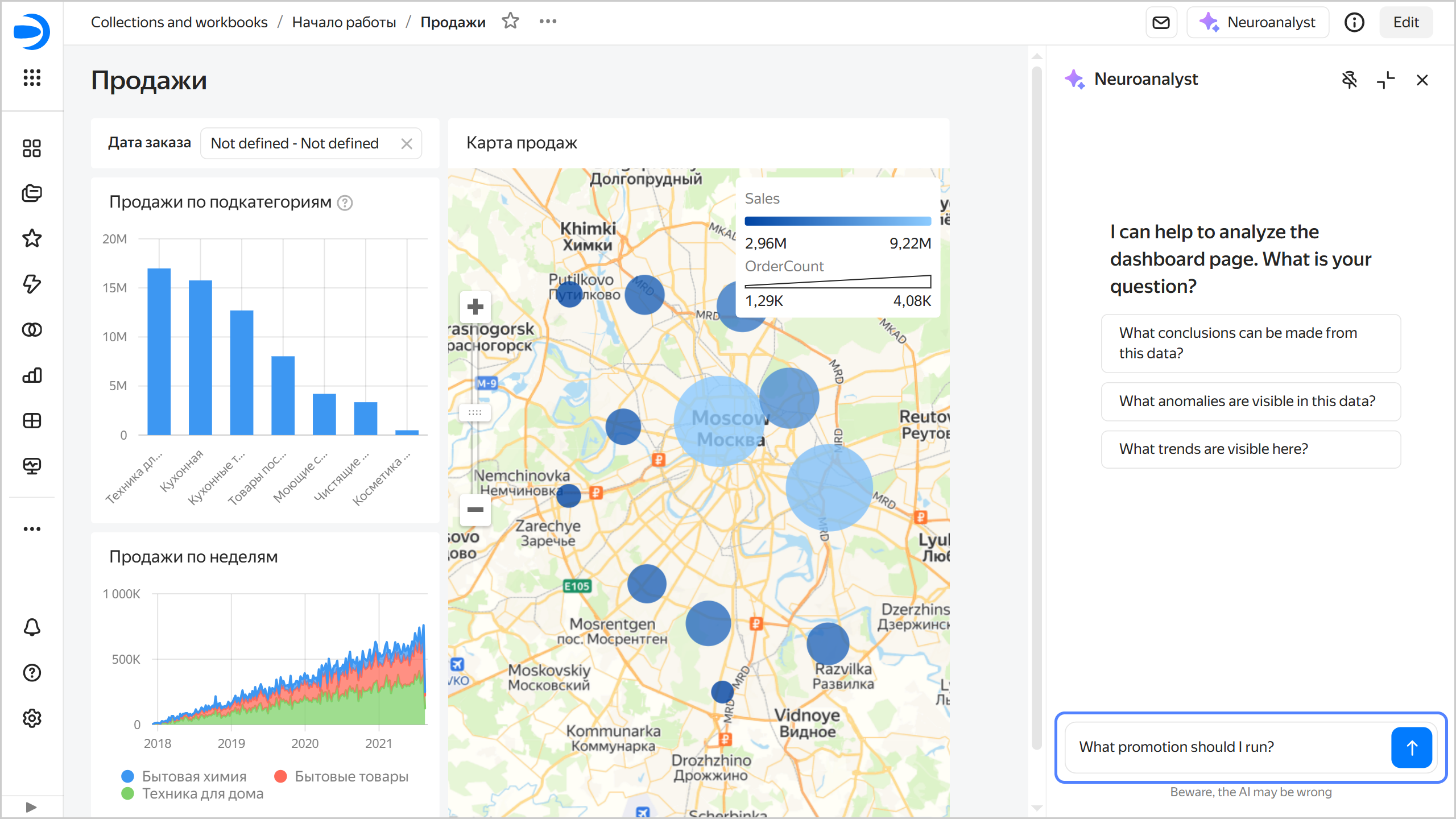
     ![image](../_assets/datalens/ai/ai-analytic-on-dashboard-ask.png)

     {% endcut %}

     Neuroanalyst will analyze the current tab's contents, delve into the charts relevant for the answer, and generate a detailed response.

     {% cut "Neuroanalyst's answer" %}
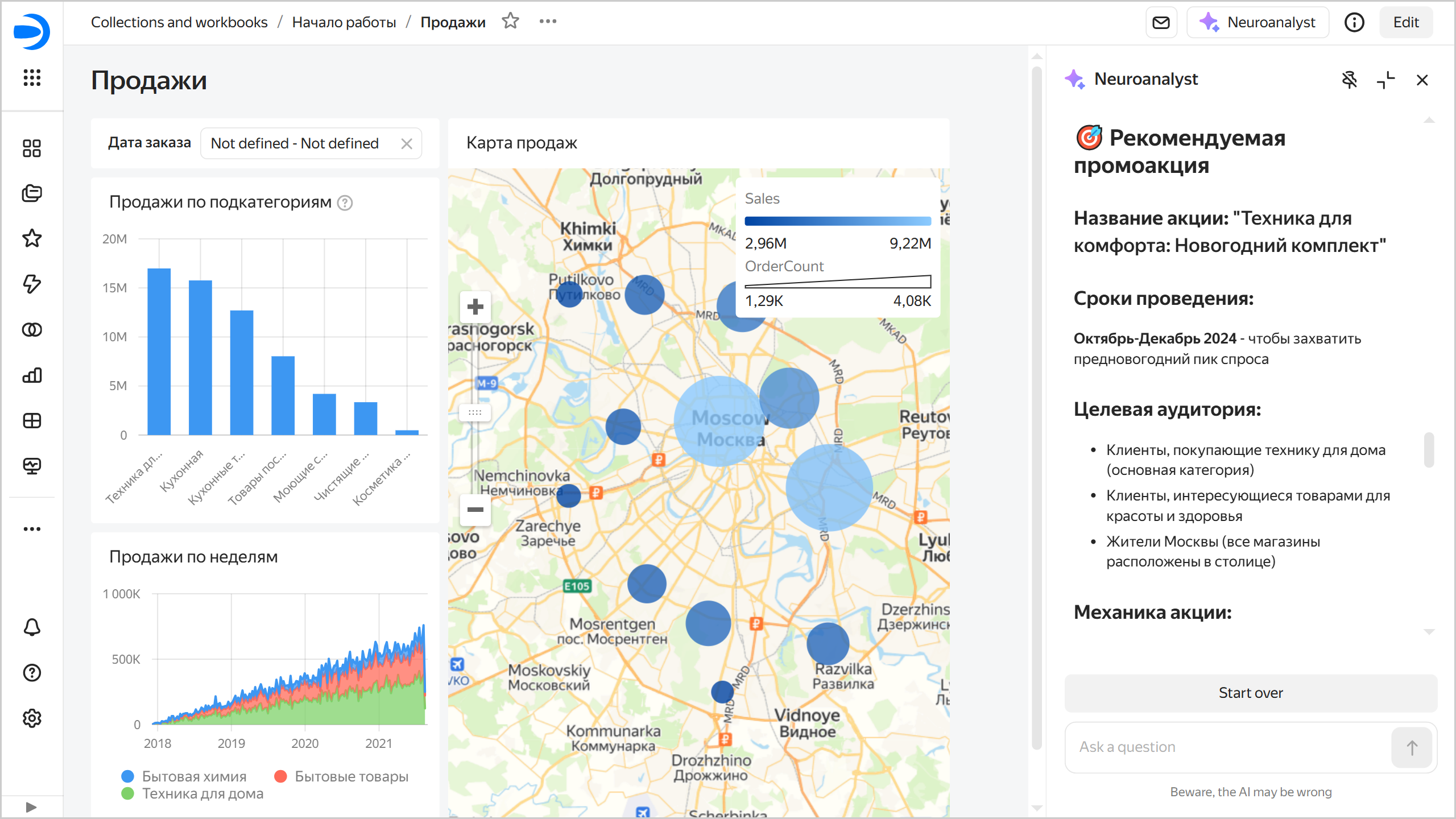
     ![image](../_assets/datalens/ai/ai-analytic-on-dashboard-result.png)

     {% endcut %}

     At the top of the Neuroanalyst tab, you will see the list of charts used to generate the answer.
     
     {% cut "List of charts used for Neuroanalyst' answer" %}
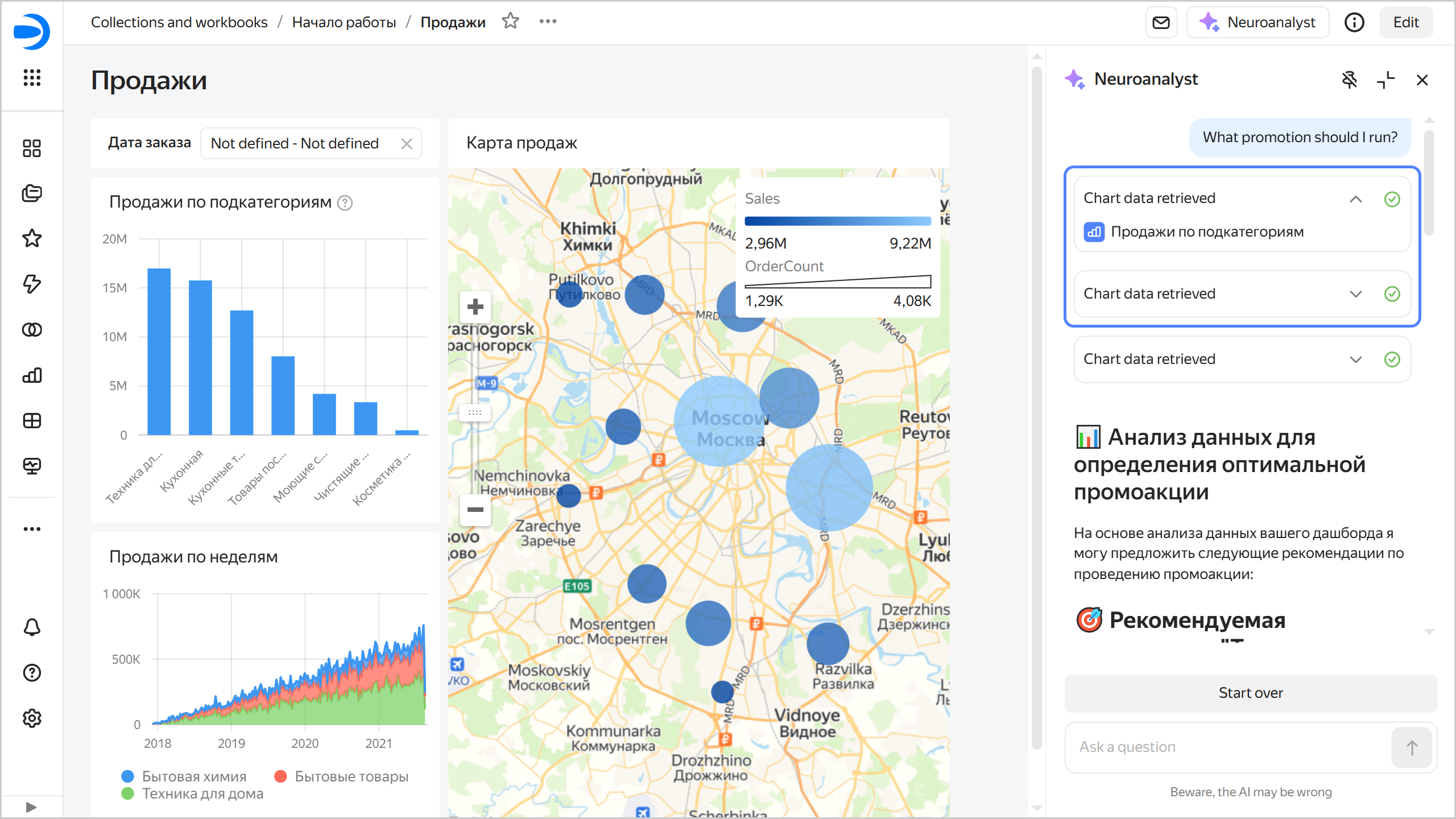
     ![image](../_assets/datalens/ai/ai-analytic-on-dashboard-charts-list.png)

     {% endcut %}

- For individual chart on the dashboard

  1. In the top right corner of the chart on the dashboard, click <!-- diplodoc:svg ![icon](../_assets/console-icons/ellipsis.svg) --><svg xmlns="http://www.w3.org/2000/svg" width="16" height="16" fill="none" viewBox="0 0 16 16"><path fill="currentColor" fill-rule="evenodd" d="M3 9.5a1.5 1.5 0 1 0 0-3 1.5 1.5 0 0 0 0 3M9.5 8a1.5 1.5 0 1 1-3 0 1.5 1.5 0 0 1 3 0m5 0a1.5 1.5 0 1 1-3 0 1.5 1.5 0 0 1 3 0" clip-rule="evenodd"/></svg> → **Find insights** to open the **Neuroanalyst** tab on the right.

     {% cut "Neuroanalyst for a dashboard chart" %}
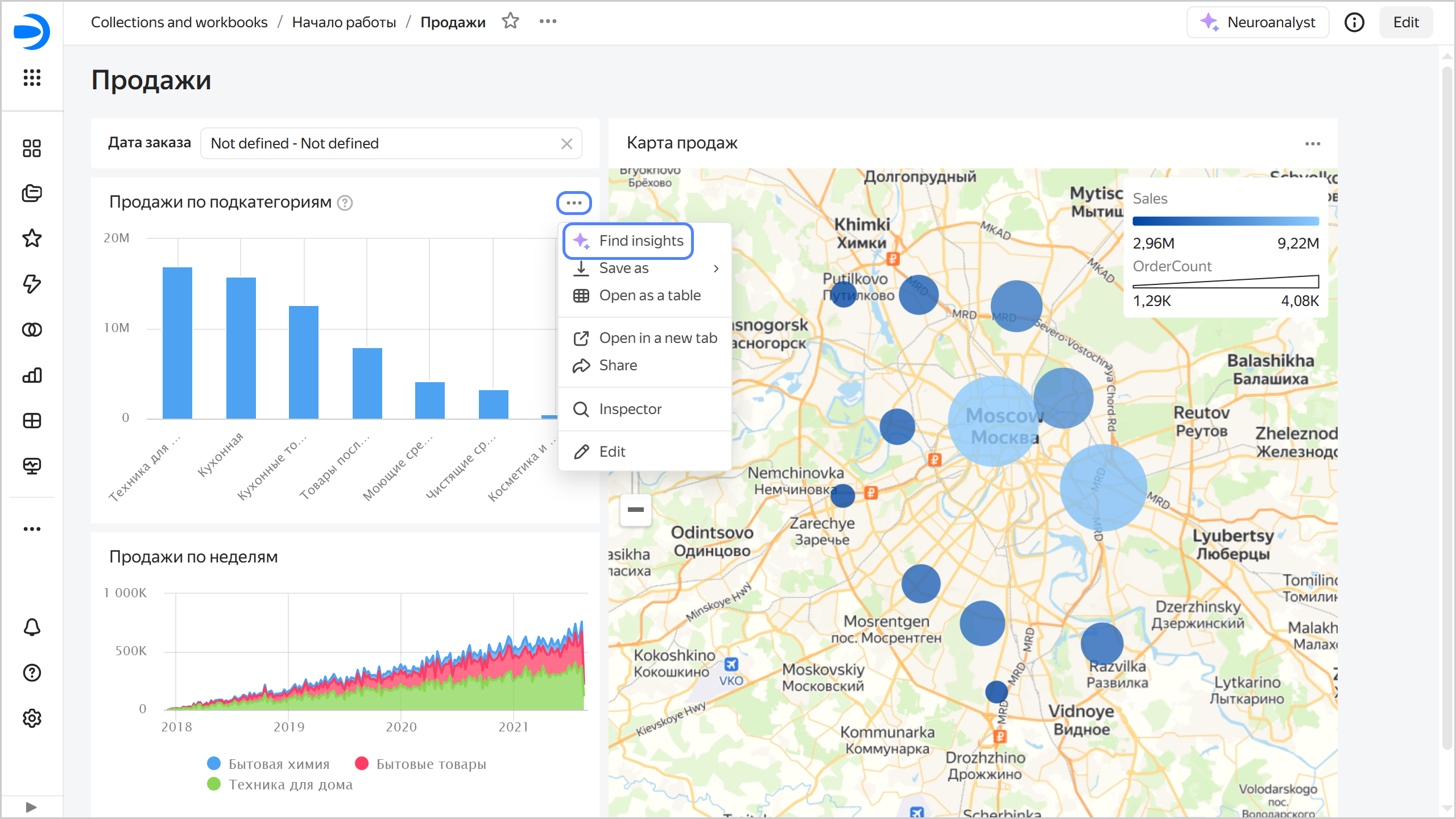
     ![image](../_assets/datalens/ai/ai-analytic-on-dashboard-chart.png)

     {% endcut %}

  
  1. Select a question or ask your own, e.g., "What insights can I get from this data?".

     {% cut "Question to Neuroanalyst" %}
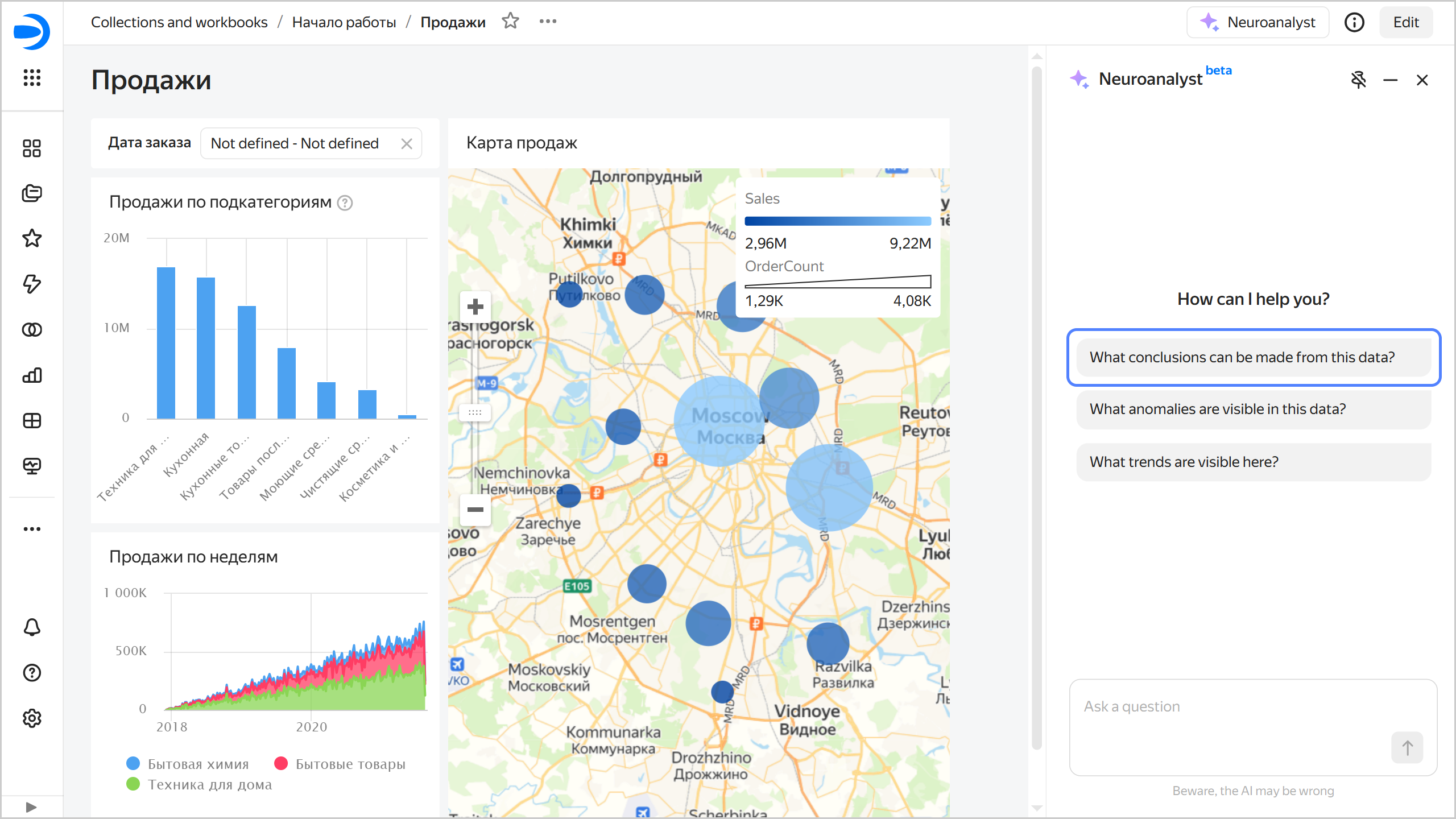
     ![image](../_assets/datalens/ai/ai-analytic-on-dashboard-chart-ask.png)

     {% endcut %}

     Neuroanalyst will give a detailed answer and suggest possible solutions and recommendations.

     {% cut "Neuroanalyst's answer" %}
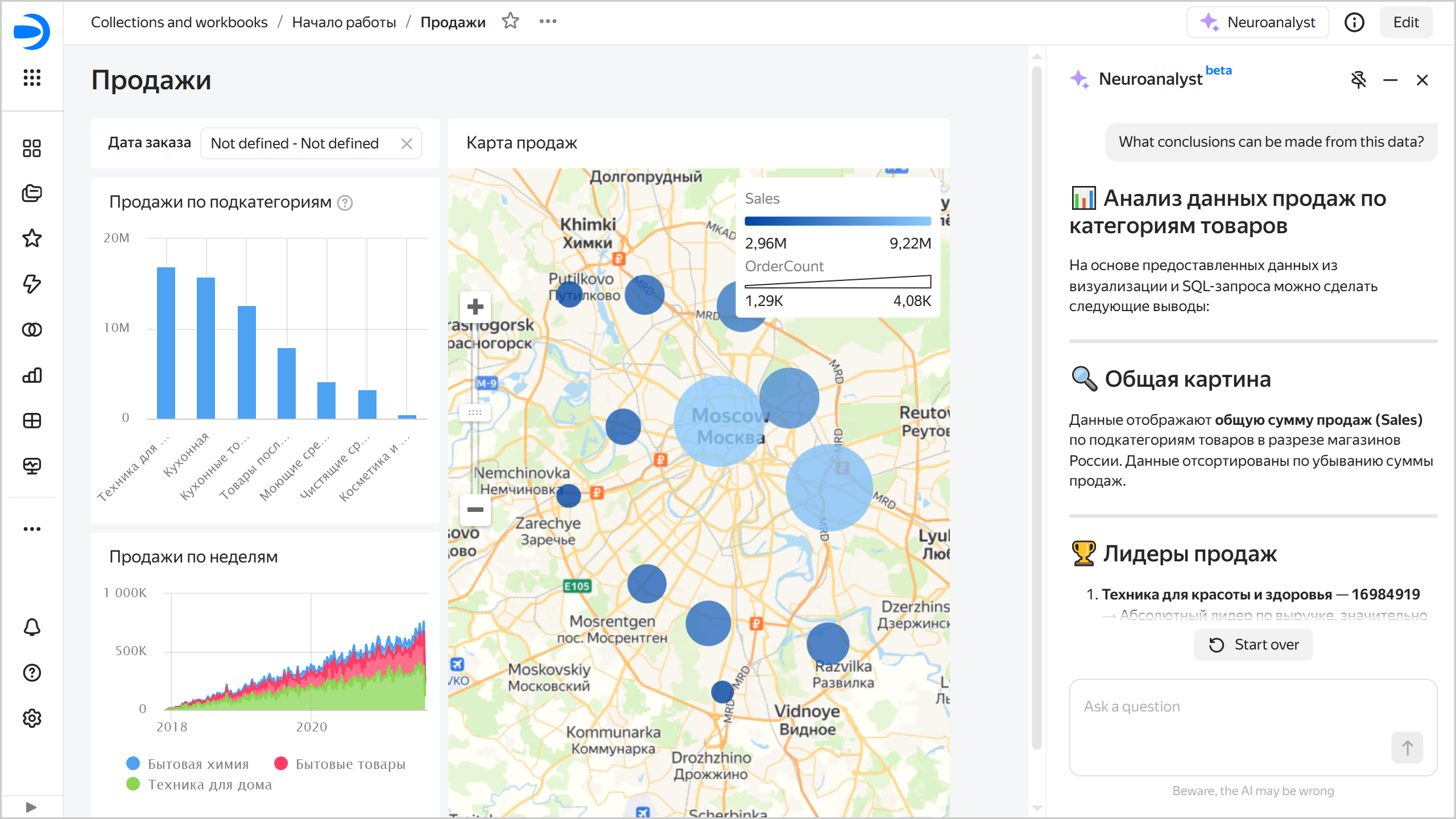
     ![image](../_assets/datalens/ai/ai-analytic-on-dashboard-chart-result.png)

     {% endcut %}


{% endlist %}

You can pin the chat with Neuroanalyst on top or along the side (default) of the dashboard. To change the chat position, click:
  
  * <!-- diplodoc:svg ![image](../_assets/console-icons/pin-slash.svg) --><svg xmlns="http://www.w3.org/2000/svg" width="16" height="16" fill="none" viewBox="0 0 16 16"><path fill="currentColor" fill-rule="evenodd" d="M10.5 2.255v-.01c.003-.03.013-.157-.361-.35C9.703 1.668 8.967 1.5 8 1.5s-1.703.169-2.138.394c-.375.194-.365.32-.362.351v.01c0 .008-.002.024.005.048L4.38 1.179C5.02.393 6.4 0 8 0c2.21 0 4 .75 4 2.25 0 .738-.433 1.294-1.136 1.669l.825 2.31c1.553.48 2.561 1.32 2.561 2.52 0 .617-.266 1.138-.734 1.565l-1.061-1.061c.27-.227.295-.41.295-.503 0-.128-.035-.259-.226-.439-.223-.209-.63-.448-1.278-.649l-.552-.17-.228-.228-.19-.53-.84-2.352a8.3 8.3 0 0 1-1.739.113l-1.96-1.96q.054.034.125.07C6.297 2.832 7.033 3 8 3s1.703-.169 2.139-.394c.374-.194.364-.32.361-.351m-.008 9.297 2.478 2.478a.75.75 0 1 0 1.06-1.06l-11-11a.75.75 0 0 0-1.06 1.06l2.567 2.567-.226.632C2.758 6.71 1.75 7.55 1.75 8.75c0 1.854 2.402 2.848 5.5 2.985V15a.75.75 0 0 0 1.5 0v-3.266a14 14 0 0 0 1.742-.182m-1.345-1.345L5.71 6.771l-.239.67-.717.221c-.648.2-1.055.44-1.277.65-.192.18-.227.31-.227.438 0 .14.055.488.937.878.869.384 2.2.622 3.813.622q.601 0 1.147-.043" clip-rule="evenodd"/></svg>: Chat on the top of the dashboard.
  * <!-- diplodoc:svg ![image](../_assets/console-icons/pin.svg) --><svg xmlns="http://www.w3.org/2000/svg" width="16" height="16" fill="none" viewBox="0 0 16 16"><path fill="currentColor" fill-rule="evenodd" d="M10.5 2.255v-.01c.003-.03.013-.157-.361-.35C9.703 1.668 8.967 1.5 8 1.5s-1.703.169-2.138.394c-.375.194-.365.32-.362.351v.01c-.003.03-.013.157.362.35C6.297 2.832 7.033 3 8 3s1.703-.169 2.139-.394c.374-.194.364-.32.361-.351M8 4.5c.506 0 .99-.04 1.436-.118l.84 2.352.253.707.717.221c.648.2 1.055.44 1.277.65.192.18.227.31.227.438 0 .14-.055.488-.937.878-.869.384-2.2.622-3.813.622s-2.944-.238-3.813-.622c-.882-.39-.937-.738-.937-.878 0-.128.035-.259.227-.439.222-.209.629-.448 1.277-.649l.717-.221.253-.707.84-2.352c.445.079.93.118 1.436.118m4-2.25c0 .738-.433 1.294-1.136 1.669l.825 2.31c1.553.48 2.561 1.32 2.561 2.52 0 1.854-2.402 2.848-5.5 2.985V15a.75.75 0 0 1-1.5 0v-3.266c-3.098-.136-5.5-1.131-5.5-2.984 0-1.2 1.008-2.04 2.561-2.52l.825-2.311C4.433 3.544 4 2.988 4 2.25 4 .75 5.79 0 8 0s4 .75 4 2.25" clip-rule="evenodd"/></svg>: Chat along the side of the dashboard.

All your queries to Neuroanalyst are private: logs are neither stored nor used for further fine-tuning or research.


You can [ban](../operations/dashboard/dashboard-neuroanalyst-off.md) the use of Neuroanalyst on a dashboard.


### Limits {#restrictions-1}

* The analysis can take quite a while.
* Chart description and tooltip are not added for tables.
* Neuroanalyst can only use the data you upload to the page. If the data volume is too large, it may exceed the context available for processing.

